
LinkedIn Hooks That Stop the Scroll (With Real Examples)

Everyone scrolling LinkedIn has done it:
You see hundreds of posts.
You stop on one.
That moment — the scroll-stop — always starts with a hook.
In 2026, hooks matter more than ever. LinkedIn’s feed prioritizes:
- Dwell time
- Early engagement
- Meaningful comments
If your first sentence doesn’t arrest attention in the first 2 lines, you’re invisible.
I speak from experience and from hundreds of Reddit threads where creators ask:
“How do I write hooks that actually perform on LinkedIn?”
Here’s something Reddit founders, marketers, and creators often agree on:
A great hook isn’t clever it’s interruptive.
They stop the thumb, not just the eye.
In this guide, we’ll break down:
- What makes a scroll-stopping LinkedIn hook
- Real examples that pulled engagement
- How to generate hooks with intention (using AI)
- Mistakes that kill engagement
We’ll also weave in Spiry workflows because hooks are great, but systems that generate them consistently win.
👉 Ready to get hooks that perform every time? Try Spiry here: https://spiry.ai/
What Makes a LinkedIn Hook Actually Work?
Before we dive into examples, let’s define what a hook has to achieve.
A scroll-stopping hook must:
- Interrupt expectation
- Promise value or emotion
- Be short and punchy
- Lead to curiosity
This aligns with Reddit threads on r/LinkedInTips where users consistently report that long intros fail, while:
Short, bold hooks trigger early clicks.
LinkedIn articles from HubSpot and Hootsuite also stress that attention is the currency not impressions.
So what catches the eye in the first 2 lines?
10 LinkedIn Hooks That Actually Stop the Scroll
Below are proven, real-world hooks, many inspired or adapted from posts that performed well on LinkedIn and were discussed in creator forums, including Reddit.
1. “Here’s something no founder wants to admit…”
Why it works: Vulnerability + curiosity.
👉 Related draft creation in Spiry: https://spiry.ai/generate-post
2. “Stop doing this on LinkedIn (it’s killing your reach).”
Why it works: Direct challenge + value promise.
3. “I spent $10,000 on LinkedIn ads here’s what actually worked.”
Why it works: Money figures + proof.
4. “Most advice on LinkedIn is wrong. Here’s what actually matters.”
Why it works: Contrarian but relatable.
5. “This one change doubled my engagement in 30 days.”
Why it works: Outcome promise.
6. “Before you post again, read this…”
Why it works: Directive + curiosity.
7. “Why your posts get views but no comments.”
Why it works: Addresses a universal pain point.
8. “I thought posting daily was the answer… until this happened.”
Why it works: Narrative + surprise.
9. “Here’s the template I use for posts that drive replies.”
Why it works: Utility + actionable.
10. “If you’re not doing this, you’re leaving reach on the table.”
Why it works: Urgency + frustration.
Real Reddit Feedback That Reinforces These Hooks
On subreddits like r/Entrepreneur and r/SaaS, creators repeatedly say that hooks either:
- Make them stop mid-scroll
- Prompt them to read the full post
- Drive them to comment or save the post
One common pattern I’ve noticed in Reddit threads is this:
Long, philosophical intros get ignored.
Specific, impactful hooks get conversations.
This mirrors data from LinkedIn growth experts strong hooks increase dwell time, which boosts algorithmic distribution.
How to Consistently Generate Scroll-Stopping Hooks
Great hooks don’t happen randomly.
Here’s what high-growth creators do:
🔹 Start with a Value Promise
Before writing, ask:
- What will the reader gain?
- What pain point am I addressing?
Hooks should answer: “Why should I read this now?”
🔹 Use Contrasts and Surprises
People stop for:
- Contradictions
- Broken expectations
- Numbers + authority
🔹 Lead with Emotion
Fear, curiosity, frustration, relief all work better than neutral language.
Use Spiry to Scale Your Hooks (Without Guesswork)
If you’re tired of staring at blank screens trying to invent hooks, Spiry helps in three major ways:
1. Generate Post Ideas & Hooks
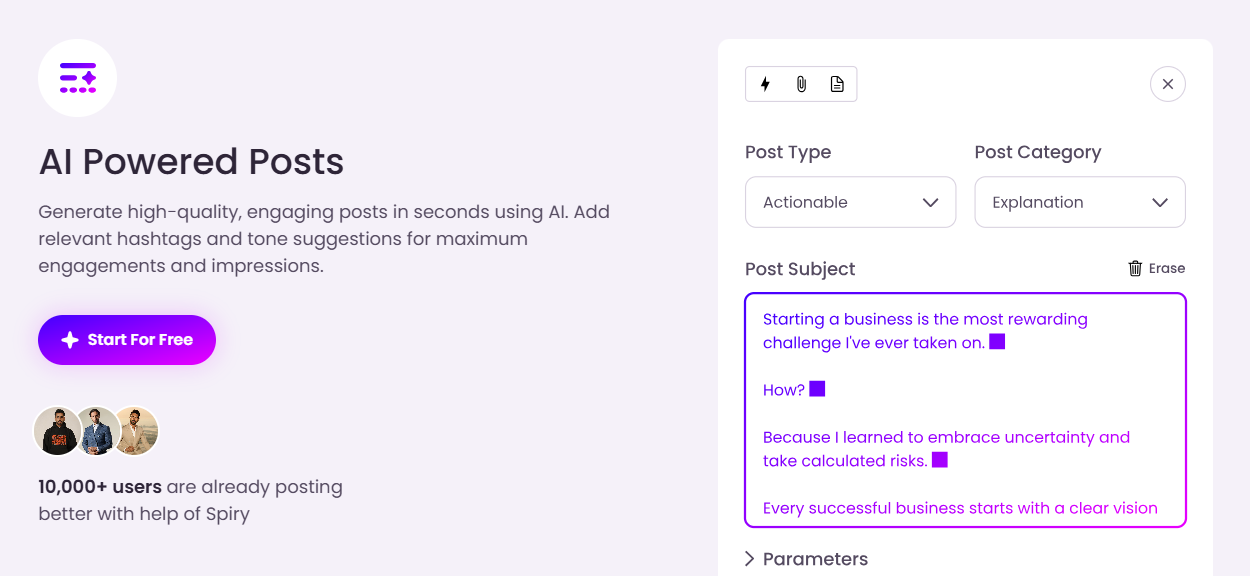
Spiry’s AI creates scroll-stopping hooks for your topic — saving you time and creative energy: https://spiry.ai/generate-post
2. Viral Posts Library for Reference
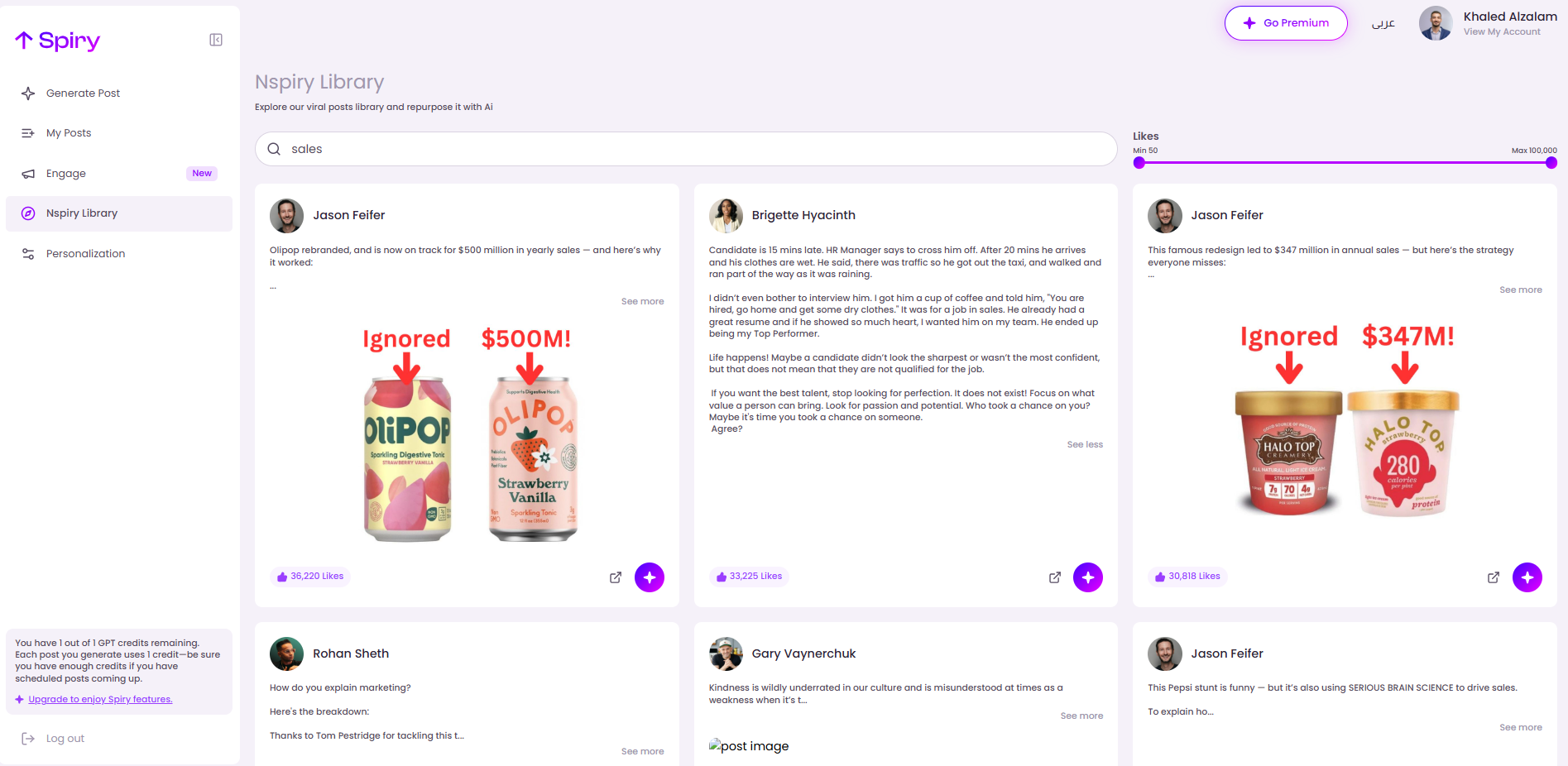
Instead of guessing what works, you can browse high-engagement formats in the viral library and adapt hooks that already performed: https://spiry.ai/viral-posts
3. Personalization That Keeps You Human
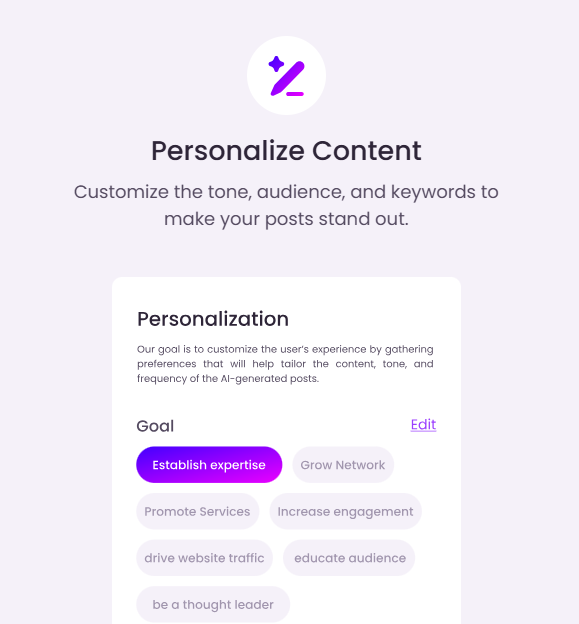
Hooks are only as good as the rest of the post. Spiry ensures the tone, voice, and structure match your personal brand: https://spiry.ai/personalization
Mistakes That Kill Hooks (And How to Fix Them)
Even a good idea can fail if executed poorly.
❌ Mistake: Long intros
LinkedIn users scroll fast. If nothing grabs them in the first 2 lines, they’re gone.
Fix: Start with emotion or result.
❌ Mistake: Generic language
Statements like “I want to share…” or “In this post…” are invisible.
Fix: Lead with insight or surprise.
❌ Mistake: Complex sentences
Dense language kills readability.
Fix: Keep hooks short, punchy, and conversational.
SEO & Engagement Bonus: Why Hooks Drive Authority
LinkedIn — unlike blogs or long-reads — rewards attention signals:
- Dwell time
- Early likes & comments
- Saves and shares
Strong hooks increase these metrics, which triggers LinkedIn’s algorithm to show your post to more people.
This insight is backed by industry articles and creator experiments showing that early engagement boosts feed distribution.
Final Thoughts: Hooks Are the Starting Point Not the Whole Story
A scroll-stopping hook gets eyes.
Great content keeps them engaged.
The best LinkedIn creators marry strong hooks with compelling story arcs, emotional clarity, and real insight.
If you want a reliable way to create both:
- Hooks that stop the scroll
- Posts that drive engagement
Spiry gives you the tools and workflow to make it happen.
👉 Generate posts and hooks effortlessly: https://spiry.ai/generate-post
👉 Explore more about how Spiry helps your growth: https://spiry.ai
👉 New? Get started here: https://spiry.ai/signup
Related Reads
- How to Build a Personal Brand on LinkedIn Without Posting Every Day — https://blog.spiry.ai/how-to-build-personal-brand-without-posting
- AI for Personal Branding on LinkedIn: The Complete Playbook — https://blog.spiry.ai/ai-for-personal-branding
- Spiry vs Supergrow Comparison — https://blog.spiry.ai/spiry-vs-supergrow
- find a lot of helpful ai tools at: https://dang.ai